Sales & Closing
Automate contracts and payments with Close CRM
Close CRM gets you to “yes”, from there ioumi takes over: one click on “ioumi Deal” creates the contract right from the opportunity. ioumi obtains the e-signature, collects payments and installments via SEPA Direct Debit, card or bank transfer and creates the invoices. Included in every ioumi plan.
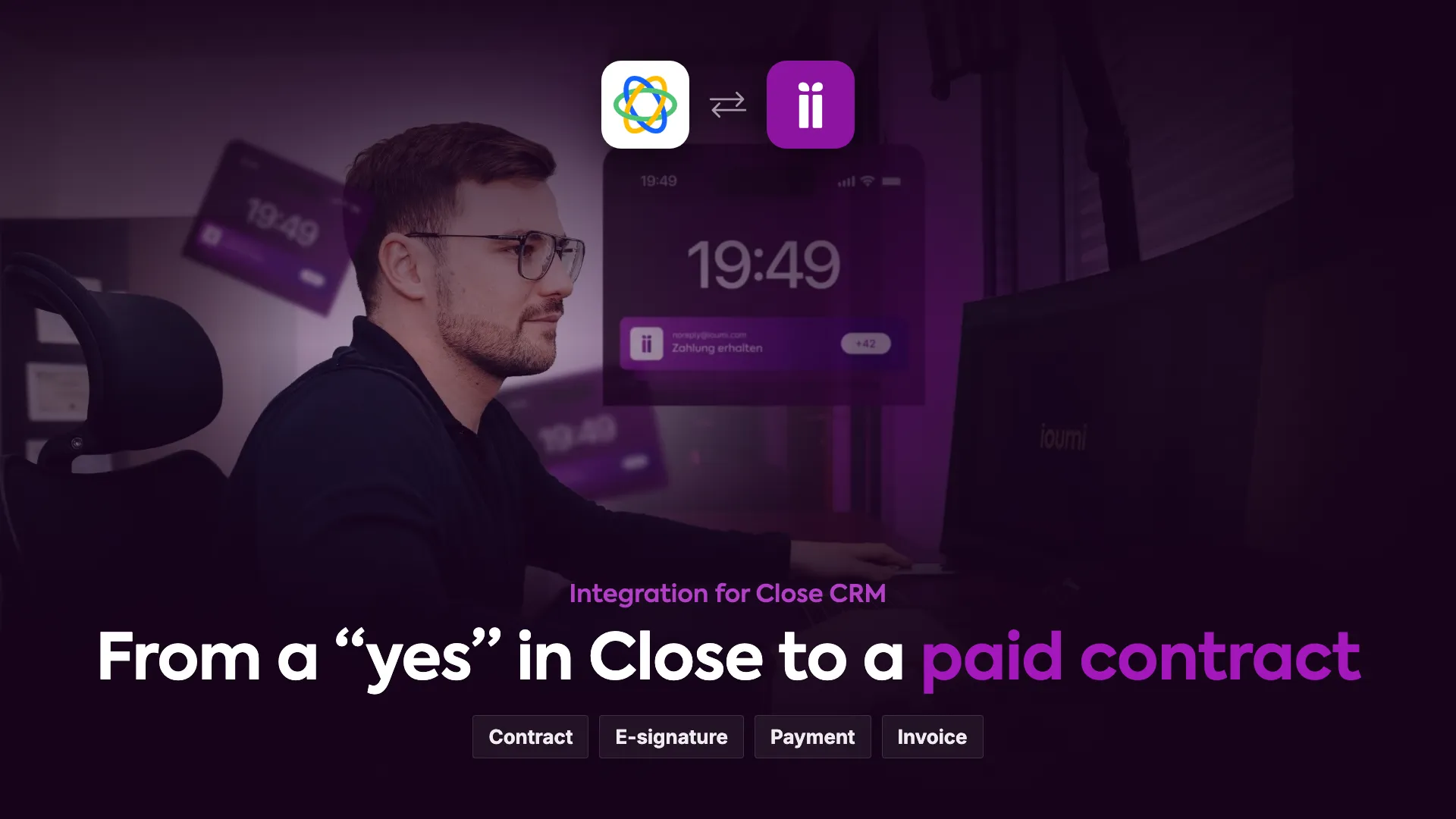
The Close integration on video
When you play the video, it is loaded from Wistia. Privacy
In about three minutes: contract from the opportunity, review and signature by the customer, payment method, first payment and the result in Close.
At a glance
| Question | Short answer |
|---|---|
| Can I automate contracts and payments with Close CRM? | Yes, with the ioumi integration: contract from the opportunity, e-signature, payment collection and invoice in one flow |
| What does Close do, what does ioumi do? | Close: leads, pipeline and sales conversation. ioumi: everything after the “yes”, from the contract to the paid invoice |
| How does the contract start? | With one click on “ioumi Deal” on the opportunity, the customer data comes from Close |
| Which payments are possible? | One-time payment, down payment plus installments or subscription, via SEPA Direct Debit, card or bank transfer |
| What goes back to Close? | The link to the contract and, if you set it up, status and contract value |
| Does it work for Europe? | Yes: GDPR, hosting in the EU, e-signature under eIDAS, SEPA, tax preselection including reverse charge |
| What does it cost? | Nothing extra, the integration is included in every ioumi plan, including the Free plan |
| Since when is it available? | Live since November 5, 2026, listed in the Close integrations marketplace |
Why does the sales process in Close end at the “yes”?
Close is a CRM from the US, built for sales teams: it is designed to work leads, manage pipelines and close deals. Close describes itself as “The CRM that sells with you”. What happens after the “yes” is a different discipline: contract, signature, payment plan, collection and invoice.
In European sales in particular, a lot of rules come with this part: a contract your customer signs digitally and in a legally sound way, an e-signature under the eIDAS Regulation, SEPA Direct Debit for installments, invoices with sequential numbering and the right tax treatment, for example reverse charge for business customers in other EU countries. That is not the job of a CRM.
Without the right connection, you switch tools at exactly the most important moment: contract in one tool, signature in the next, payment with a payment provider, invoice in your accounting software, and in the end you update Close by hand. This is exactly the gap ioumi closes: one system handles the complete flow after the “yes” and is connected directly to Close.
How do you automate contract, payment and invoice with Close CRM?
You sell in Close as usual and start the contract on the opportunity, meaning the sales opportunity in Close. Everything after that runs in ioumi, and Close gets the result back. The flow in five steps:
- Sell in Close. Lead, pipeline, conversation, until your customer says “yes”.
- Contract from the opportunity. One click on “ioumi Deal” opens ioumi with the customer data and template loaded. You set the payment plan and send the contract.
- Sign digitally. Your customer reviews the contract, chooses their payment option if there are several offers, signs via e-signature and adds their payment method.
- Payments and invoices. ioumi collects the amounts on schedule and creates the invoices automatically.
- Back to Close. The opportunity shows the link to the contract. If you set up rules, the opportunity moves forward when the contract is created, sent or signed and gets the contract value.
What changes compared to the flow without the integration?
Without the integration, every step after the “yes” is manual work or an automation of your own. With Close and ioumi, you start once on the opportunity and the rest runs through.
| Step | Without integration | With Close and ioumi |
|---|---|---|
| Create the contract | Copy a template, retype customer data from Close | Click on “ioumi Deal”, data from Close prefilled |
| Signature | Separate e-signature tool | E-signature under eIDAS in the same flow |
| Payment method | Ask by email, your own payment provider | Your customer adds it right after signing |
| Collect installments | Keep track of due dates, chase payments | ioumi collects on schedule |
| Invoices | By hand or in your accounting tool | Automatically, with your own number sequence |
| Update Close | Enter status and value by hand | Automatically, according to your rules |
| Maintain the connection | Your own automations via API, Zapier, make.com or n8n | Native integration, connected in a few clicks |
Example: a coaching program for €6,000
This is what the flow looks like with example values. A coach sells a six-month program in Close, the opportunity is at €6,000.
- After the “yes” on the call, he clicks “ioumi Deal” on the opportunity. Company, contact person, email and address come from Close, his contract template for the program is already loaded.
- As the payment plan, he chooses a €1,000 down payment on signature, followed by five monthly installments of €1,000 each via SEPA Direct Debit. He sends the contract while still on the call.
- The customer signs digitally and grants the SEPA mandate right after.
- ioumi collects the down payment, then the next installment every month. The invoices are created automatically.
- In Close, the coach has set up the rule “signed sets Won”. The opportunity switches to won on signature, and the contract value is on the opportunity.
After the call, the coach did not retype anything, did not write an invoice and did not update Close by hand. Whether an installment has come in, he sees with one click via the contract link on the opportunity.
How do you create a contract directly from Close?
You open the opportunity in Close and click “ioumi Deal”. After that, you continue in ioumi in three steps:
- Choose a template. If you have no contract template, ioumi starts with a blank contract. With exactly one template, ioumi uses it directly, with several, you choose the right one.
- Check the customer. If the customer is known in ioumi and complete, you go straight on. If the customer is new, you see the customer form, prefilled with the data from Close. If something is missing for a known customer, ioumi tells you exactly what, for example “VAT ID missing, required for reverse charge”.
- Open, adjust and send the contract. You change what is needed, from the payment plan to a single clause, and send the contract to your customer.
One lead in Close equals one customer in ioumi, meaning the company. Name, email and phone come from the opportunity’s contact, otherwise from the lead’s first contact. You can create several contracts per opportunity. How to finish the contract is explained in the guide Create and send a deal.
How does your customer sign the contract digitally?
Your customer receives the contract via a link, reviews it and signs via e-signature under the eIDAS Regulation, with a complete audit trail. If you offer several payment options, up to five per offer, they choose the right one before signing. Right after signing, they add their payment method, so you do not need a separate e-signature tool. What your customer sees step by step is shown in the help article How your customer signs the contract.
How do you collect payments and installments after closing?
After the signature, ioumi automatically collects the amounts according to the payment plan in the contract. Possible options are one-time payment, down payment plus installments or subscription, up to 99 installments, triggered for example on signature, at the start of the contract or on a fixed date.
- Payment methods: SEPA Direct Debit, card or bank transfer. You decide per offer which ones are available.
- Bank transfer: Your customer gets their own IBAN, and ioumi matches incoming payments to the right invoice.
- In your name: ioumi is not a reseller. Contracts, invoices and money run through your company.
How to set up a plan is explained in the guide Create a payment plan.
How are the invoices created?
ioumi creates the invoices automatically, with your own number sequence. For new customers from Close, ioumi preselects the right tax treatment based on the customer data, for example reverse charge for a company in another EU country. You can change the preselection in the form at any time, and if a customer’s tax treatment differs from the usual one, ioumi points it out. The tax responsibility stays with you, the rules are explained in VAT and OSS.
Your customer finds invoices, contracts and payments in a customer portal in your branding.
How does the opportunity in Close move forward automatically?
The opportunity moves forward if you set up rules for it: for each pipeline, you decide which Close status it switches to when the contract in ioumi is created, sent or signed. All three rules are optional.
- Only the pipeline the opportunity is in applies.
- For “created” and “sent”, ioumi only moves forward, never back.
- The signature is the exception: it always sets the configured status, even if the opportunity is already set to “lost” in Close.
- ioumi never changes won opportunities.
Also optionally, ioumi writes the contract value to the opportunity on signature, either gross or net. If there are several contracts for one opportunity, the most recently signed one counts.
What data flows between Close and ioumi?
From Close to ioumi, the fields you map flow over when you click “ioumi Deal”. From ioumi to Close go the link to the contract and two hidden ID fields, status and contract value only if you set that up.
| Direction | What | When |
|---|---|---|
| From Close to ioumi | Lead, contact and opportunity fields according to your mapping, including custom fields | When you click “ioumi Deal” |
| From ioumi to Close | Link to the contract in the “ioumi Deal” field | After creation |
| From ioumi to Close | Two hidden ID fields for syncing | In the background |
| From ioumi to Close | Status of the opportunity, optional, according to your rules per pipeline | When created, sent or signed |
| From ioumi to Close | Contract value gross or net, optional | On signature |
You can map customer fields such as company, name, email, phone, address, country, VAT ID, customer number and billing email, as well as the contract fields title, external ID and reference 1 and 2. User fields from Close such as setter or closer can be transferred either as a name or as a user ID.
What is not transferred:
- No payment status as a separate field in Close. You see all payments for the contract with one click via the contract link on the opportunity.
- No later changes from Close. Customer values from Close are suggestions for new customers. ioumi does not overwrite existing customers, so nothing in your contract data changes unnoticed.
- The field mapping works in one direction, from Close to ioumi.
Can you build this yourself with the Close API?
Yes, that is possible: Close offers an open REST API and webhooks that let you build your own flows, for example with make.com, Zapier or n8n. For the path from “yes” to payment, though, you then connect several services yourself: a contract or e-signature tool, a payment provider for SEPA and installments, an invoicing program with tax logic, plus the feedback to Close.
You have to build, test and maintain each of these connections, and if one step fails, you often only notice it from a missing payment. The native integration saves you this work: you connect Close in a few clicks, and ioumi creates the link and the fields in Close itself. For special cases, ioumi also has its own API and webhooks.
What do you need to connect, and what does it cost?
You need an ioumi account with the Owner or Admin role and a Close user with admin permissions, because only admins can create Integration Links and Custom Fields in Close. The integration costs nothing extra, it is included in every ioumi plan, including the Free plan with no base fee. Any other costs, such as the transaction fee on the payment volume processed, are listed on the ioumi pricing page.
How to connect the two:
- In ioumi, open Settings › Integrations › Close and click Connect.
- In Close, choose the organization you want to connect.
- Grant access. You are taken back to ioumi and the connection is ready.
When you connect, ioumi creates the Integration Link “ioumi Deal” on the opportunity in Close, plus the Custom Fields “ioumi Contact ID” and “ioumi Deal ID” (hidden) and “ioumi Deal” with the link to the contract. If you disconnect, ioumi removes the link and revokes its access, the data in Close stays in place. You can find every step including field mapping, status rules and troubleshooting in the guide: connect and set up Close CRM with ioumi.
Is the Close integration GDPR compliant and suitable for Europe?
Yes, ioumi is built for selling in Europe: GDPR compliant with a data processing agreement, hosting in the EU, e-signature under eIDAS, payment via SEPA Direct Debit, card or bank transfer. Contracts and customer language are available in German or English, and so is support. ioumi is developed in Austria.
ioumi only reads from Close what is needed for the customer and the contract. For new customers from Close, you decide once which customer type ioumi suggests: Detect automatically, Business or Private. For Private, there is no company name or VAT ID.
There is one limit: your customers can come from all over the world, but your seller account with ioumi is currently available for Austria, Germany, Switzerland, Liechtenstein, Spain and Cyprus. Billing is in euros.
Who benefits from combining Close and ioumi?
It pays off for sales teams that sell in Close and close individual contracts with a payment plan, for example coaches, consultants, agencies and providers of high-ticket services. The more deals you close with installments or a down payment, the more manual work goes away.
The integration does not replace Close: leads, pipeline and sales conversation stay in Close, contract, payments and invoices live in ioumi. ioumi is listed in the Close integrations marketplace at close.com/integrations/ioumi. We built the integration ourselves and keep developing it, you can find what is new in the changelog. If you are already an ioumi customer, you connect Close under Settings › Integrations › Close.
Sources
- ioumi Help Center, “Connect and set up Close CRM with ioumi” (accessed November 12, 2026): ioumi.com/en/help/integrations/close
- ioumi, “Close CRM integration” page with data flow and frequently asked questions (accessed November 12, 2026): ioumi.com/en/integrations/close
- ioumi changelog, “Native Close CRM integration”, November 5, 2026: ioumi.com/en/changelog
- Close integrations marketplace, entry “ioumi CRM Integration” (accessed November 10, 2026): close.com/integrations/ioumi
- Close, developer documentation with REST API and webhooks (accessed November 12, 2026): developer.close.com
- Close, terms of service: provider Elastic Inc., law of the US state of California (accessed November 12, 2026): close.com/terms
- Close, home page with the self-description “The CRM that sells with you” (accessed November 10, 2026): close.com
See Close and ioumi working together
You sell in Close and want to see how your next “yes” turns into a signed contract with a payment plan? In a demo call, we show you how ioumi works with Close, using your own sales process: Book a no-obligation demo call now.